
Coronavirus has changed everything including the way we support our favorite teams. The NBA has created a new innovative way to keep fans involved even from their homes.
Do you want to be an NBA virtual fan? It only takes a few easy steps.
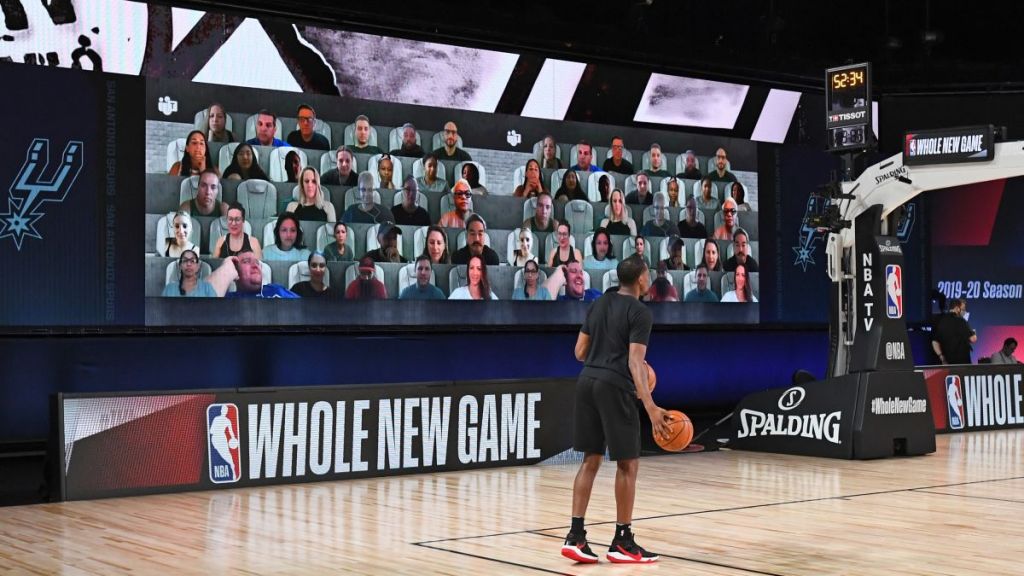
- Download the Microsoft Teams app and go to the ‘Together Mode’
- Login with your username and password
- Go to the Calendar tab on the left side of your Team’s window
- Click “Join” on the Game meeting to get in the crowd
- Make sure your camera and audio are on
- Get excited and cheer on your team!
*Fans are to join 30 minutes before tipoff*
 Postgame Reports
One thought on “How to become an NBA virtual fan”